Convert PDF Estimates to ESX
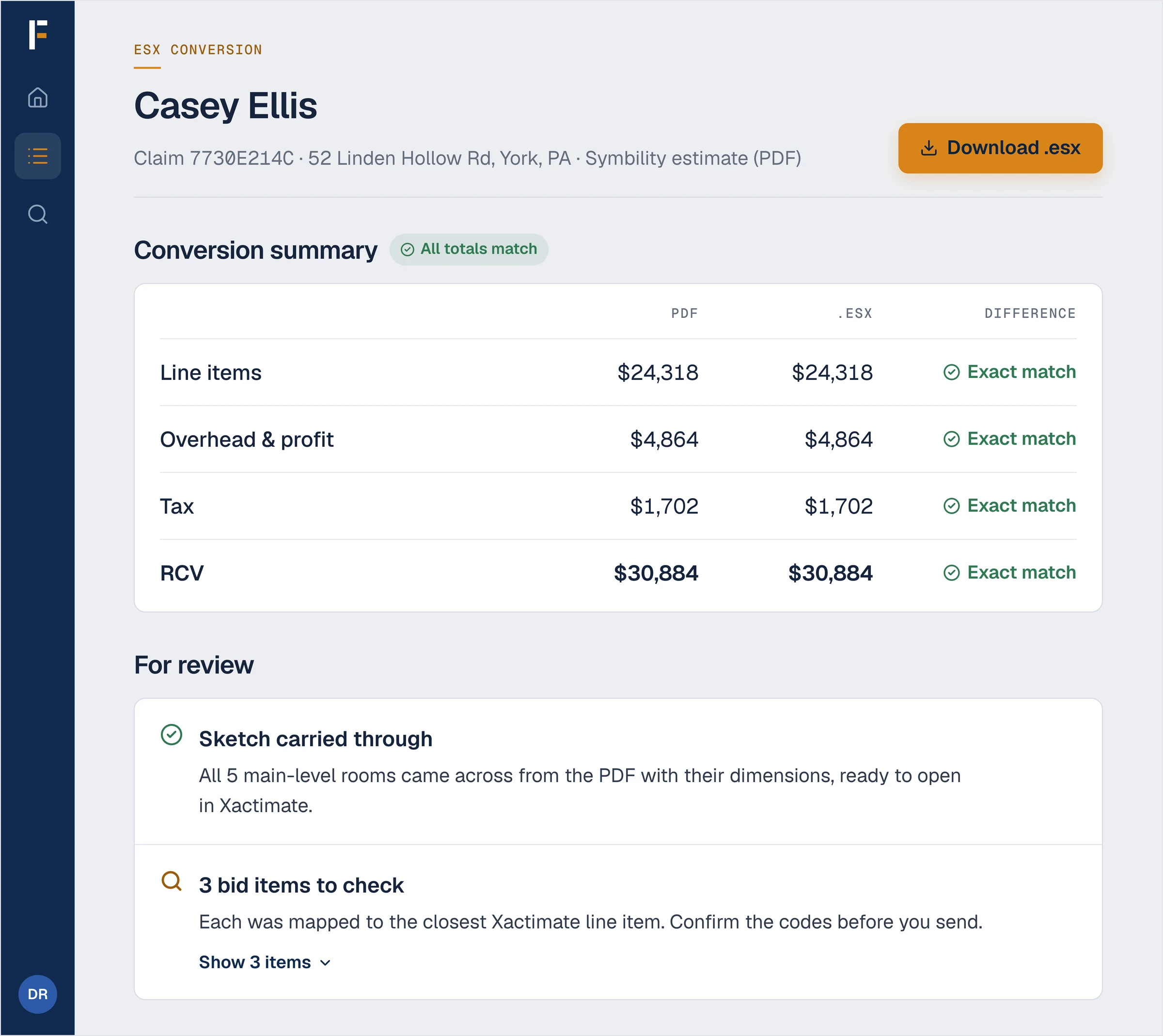
Carriers send the PDF, not the ESX. Frontera turns it back into line items you can open, review, and edit in Xactimate.
01
Upload any estimate
Symbility estimates, bids, and other non-standard formats convert too, not only Xactimate prints.
02
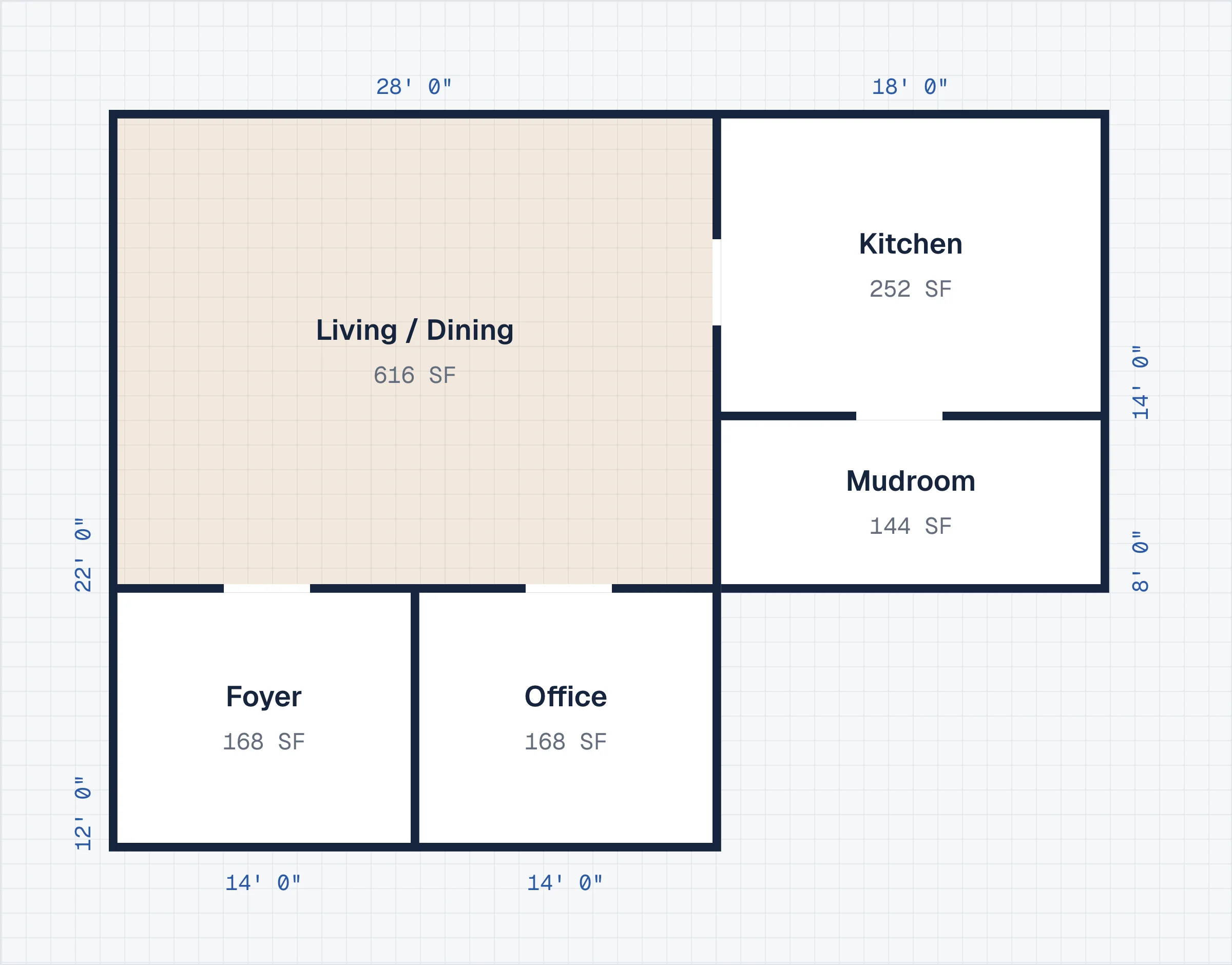
The sketch comes with it
Frontera carries the sketch through to the ESX along with the line items.
03
Get the ESX in minutes
Download an ESX that’s ready to load into Xactimate and edit.
Frequently asked
Common questions about PDF to ESX conversion.
An ESX file is Xactimate’s native estimate format. It carries the full line-item detail — quantities, pricing, and F9 notes — along with the sketch, so the estimate can be opened and edited rather than only read. A PDF of an estimate is a picture of that data; an ESX file is the data itself. Carriers usually send only the PDF — Frontera converts it back into an ESX so you can open, review, and edit the estimate in Xactimate.
Upload the PDF to Frontera. It turns the estimate back into line items, carries the sketch through, and gives you an ESX file to download and open in Xactimate. Symbility estimates and bids convert too.
Just a few minutes for most estimates.
Usually. Frontera carries the sketch through to the ESX file along with the line items. If the source PDF is low quality, such as a blurry scan, part or all of the sketch may not come through, and Frontera flags it so you can check it in Xactimate.
Yes. Frontera converts Symbility estimates to Xactimate ESX, along with bids and other non-standard estimate formats, not only Xactimate PDFs.
Load the converted ESX into Xactimate like any other estimate file. It’s ready to edit.
All claims data is encrypted in transit and at rest. Frontera will never sell your data to external parties or share it with competitors — your documents and analyses are accessible only to you and your authorized team members.
Your first conversion is free for eligible new teams. After that, $30 per file. No subscription. Monthly and annual plans that include all four Frontera products are on the pricing page. See pricing
Ready to open any estimate in Xactimate?
See how Frontera turns the carrier’s PDF back into line items you can open, review, and edit in Xactimate.