Estimating

AI Estimating Software for Claims and Restoration

Build complete, defensible estimates and supplements in a fraction of the time.
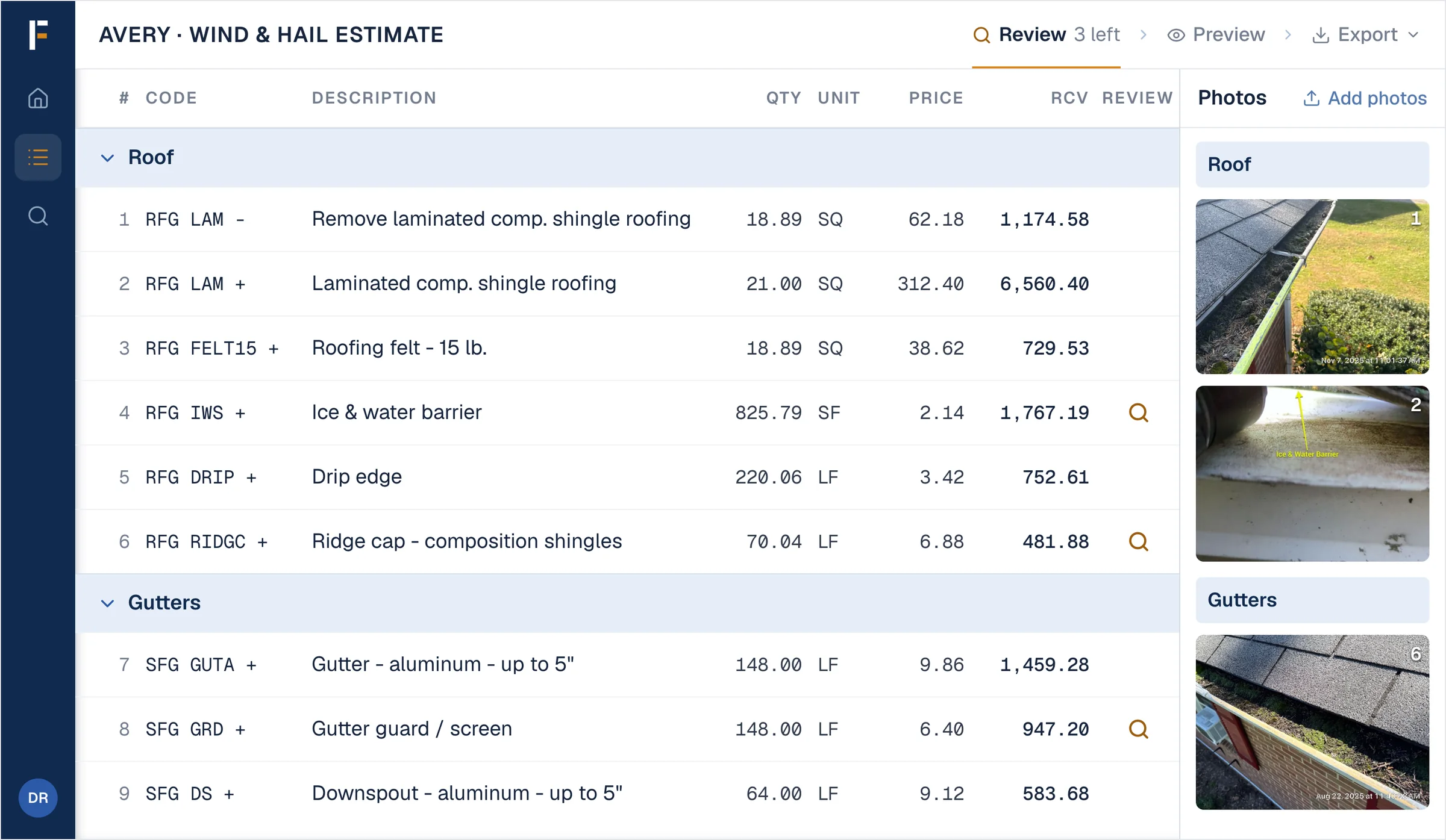
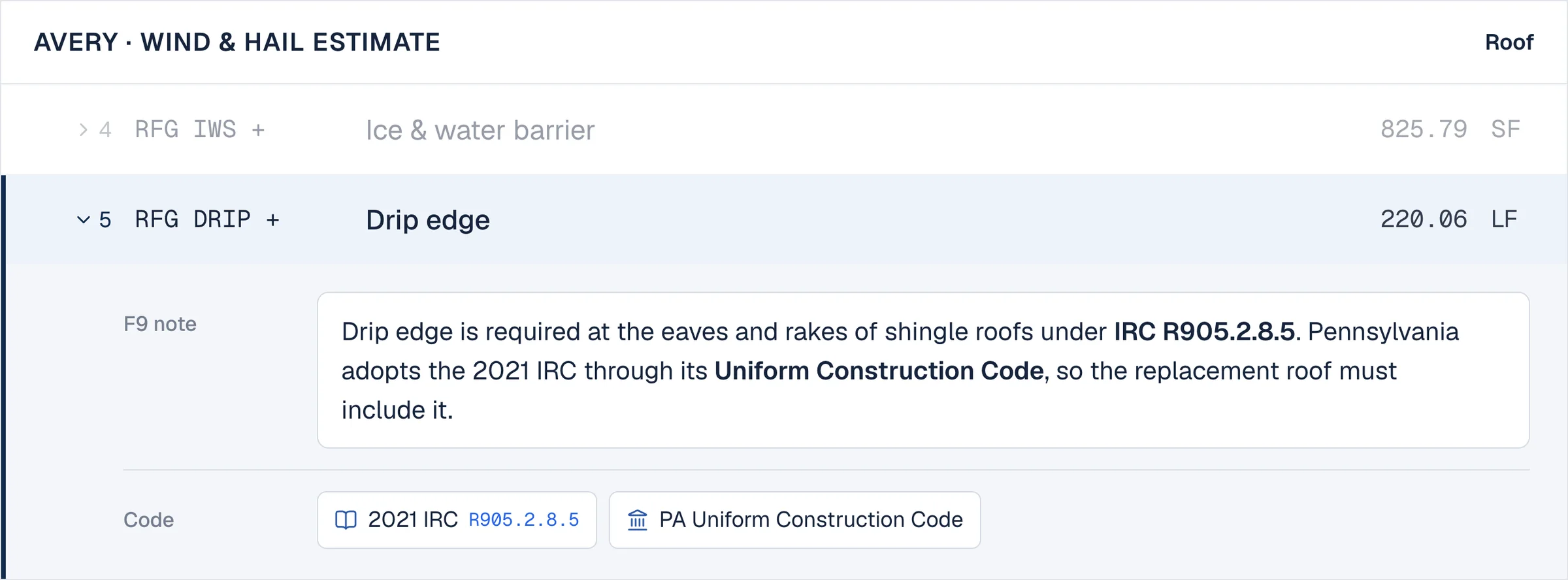
Frontera Estimating — a roof and gutter estimate with building code cited on the ice barrier and drip edge lines
Interoperability

Works with what you already use

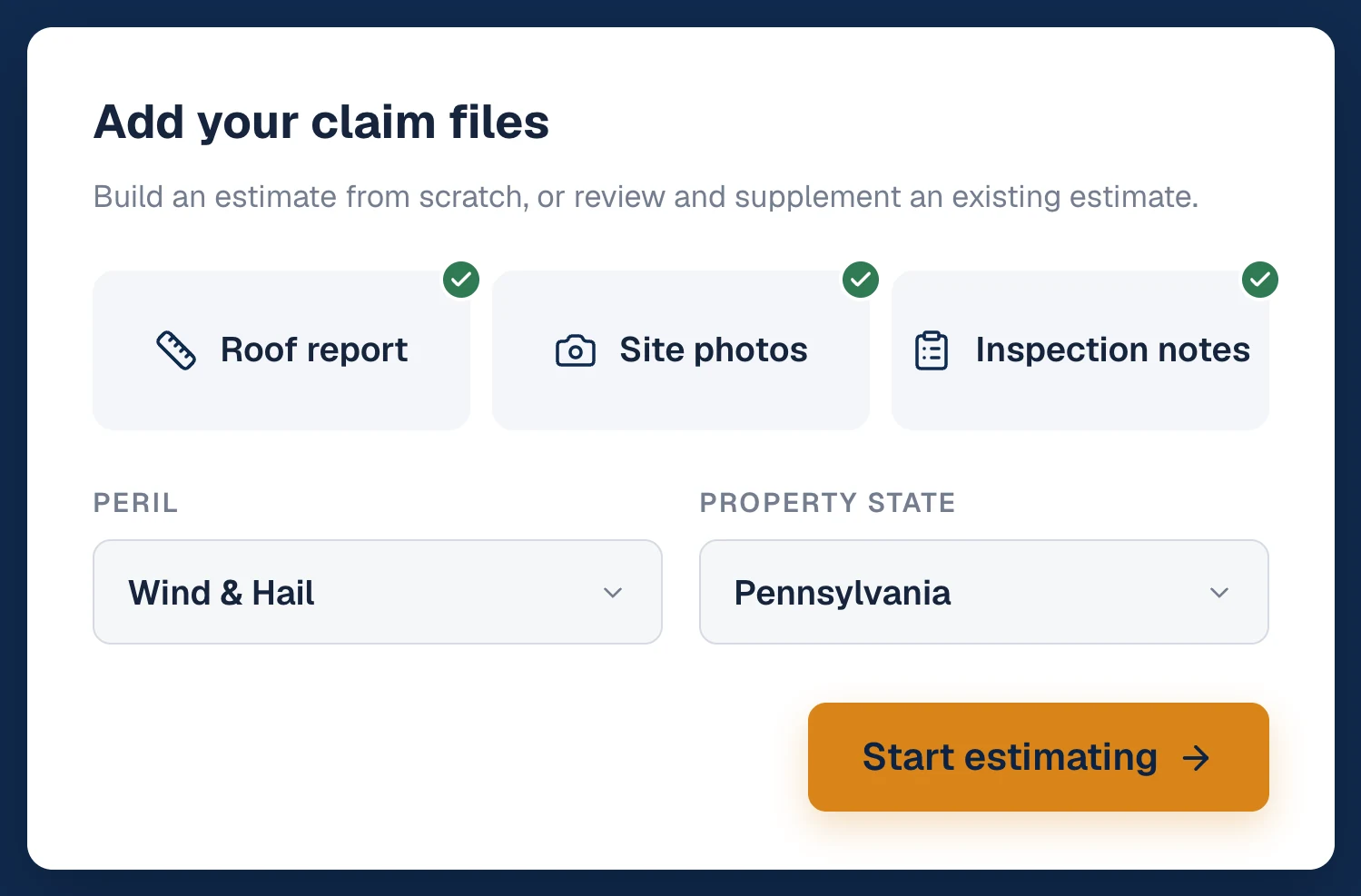
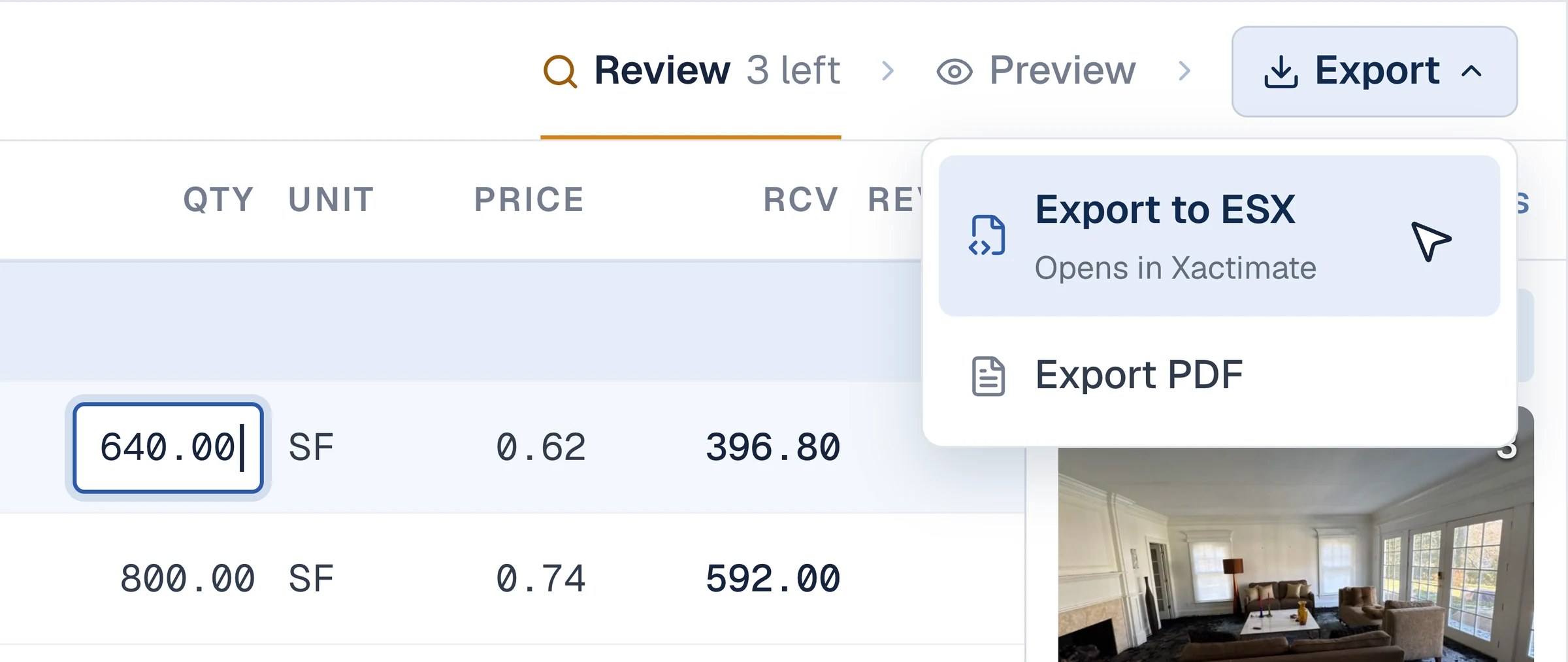
Bring evidence from Hover, EagleView, DocuSketch, CompanyCam, and more. Export to PDF or Xactimate.

Grounding

Code, coverage, and site data

Every proposed line is backed by building code, policy coverage, and industry best practices.

Control

You review and approve

Frontera proposes opportunities. Nothing is submitted without your sign-off.

How customers win with Frontera

Restoration estimating software that turns site data into carrier-ready documentation

Frontera Estimating: Estimating & supplementing — Build complete, defensible estimates and supplements with building code and policy coverage behind every line.
Capability 01

Estimating & supplementing

Build complete, defensible estimates and supplements with building code and policy coverage behind every line.

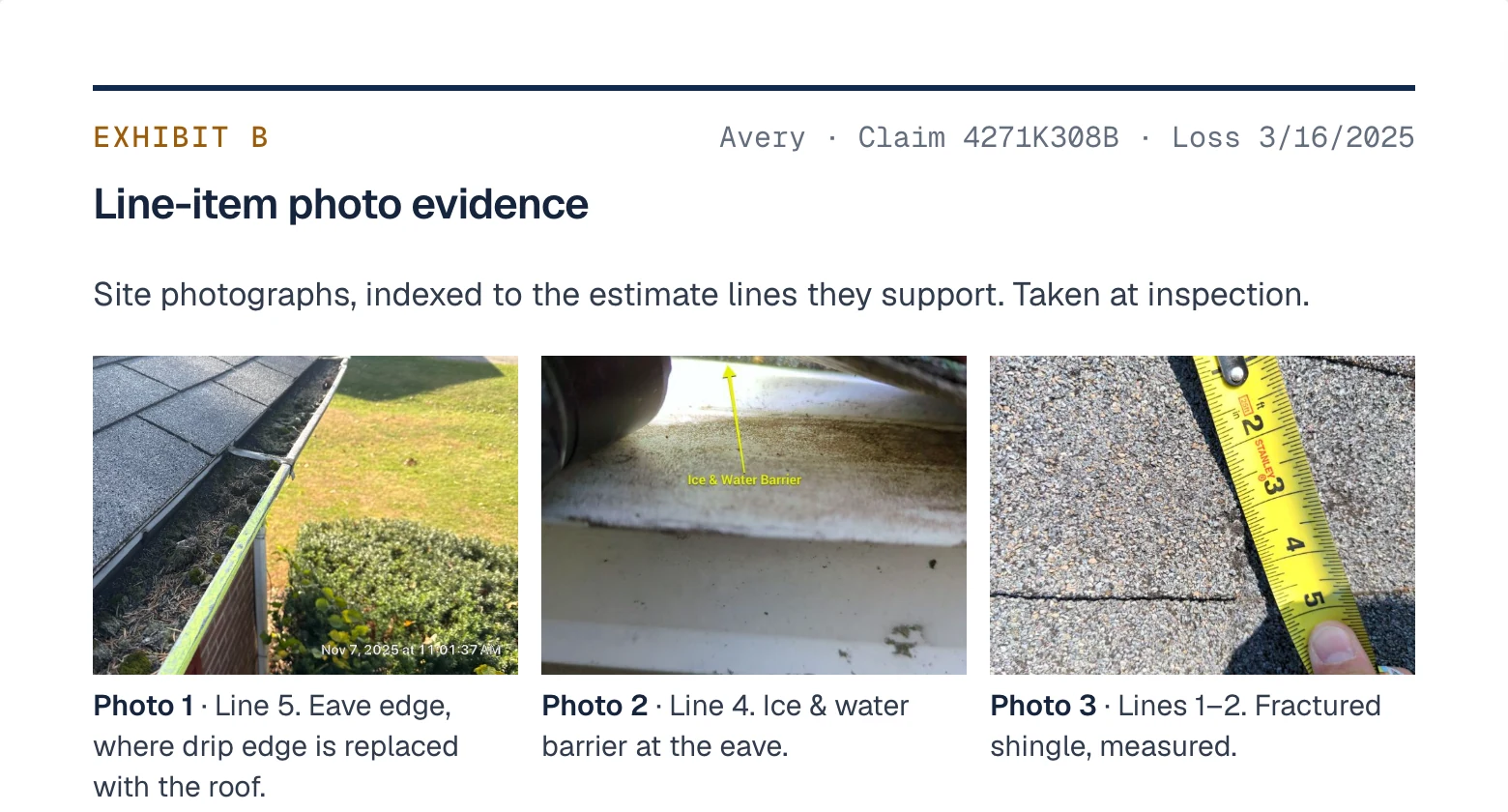
  • Generate full estimates from site photos, measurements, notes, and expert reports in minutes
  • Generate supplements from an existing estimate plus the documentation you already captured
  • Backing for every line item — building code requirements, policy coverage, and industry best practices
  • Receive proposed opportunities to review and approve before anything is final
Frontera Estimating: Estimate comparison — Instantly understand where the gaps are — and why they matter.
Capability 02

Estimate comparison

Instantly understand where the gaps are — and why they matter.

  • Flag scope gaps, pricing differences, and quantity mismatches instantly — plus the overarching disputes driving them
  • Sort findings by trade and room, or a custom mapping to match how you or the carrier organize scope
  • Export comparison reports to share with property owners, internal teams, or carriers
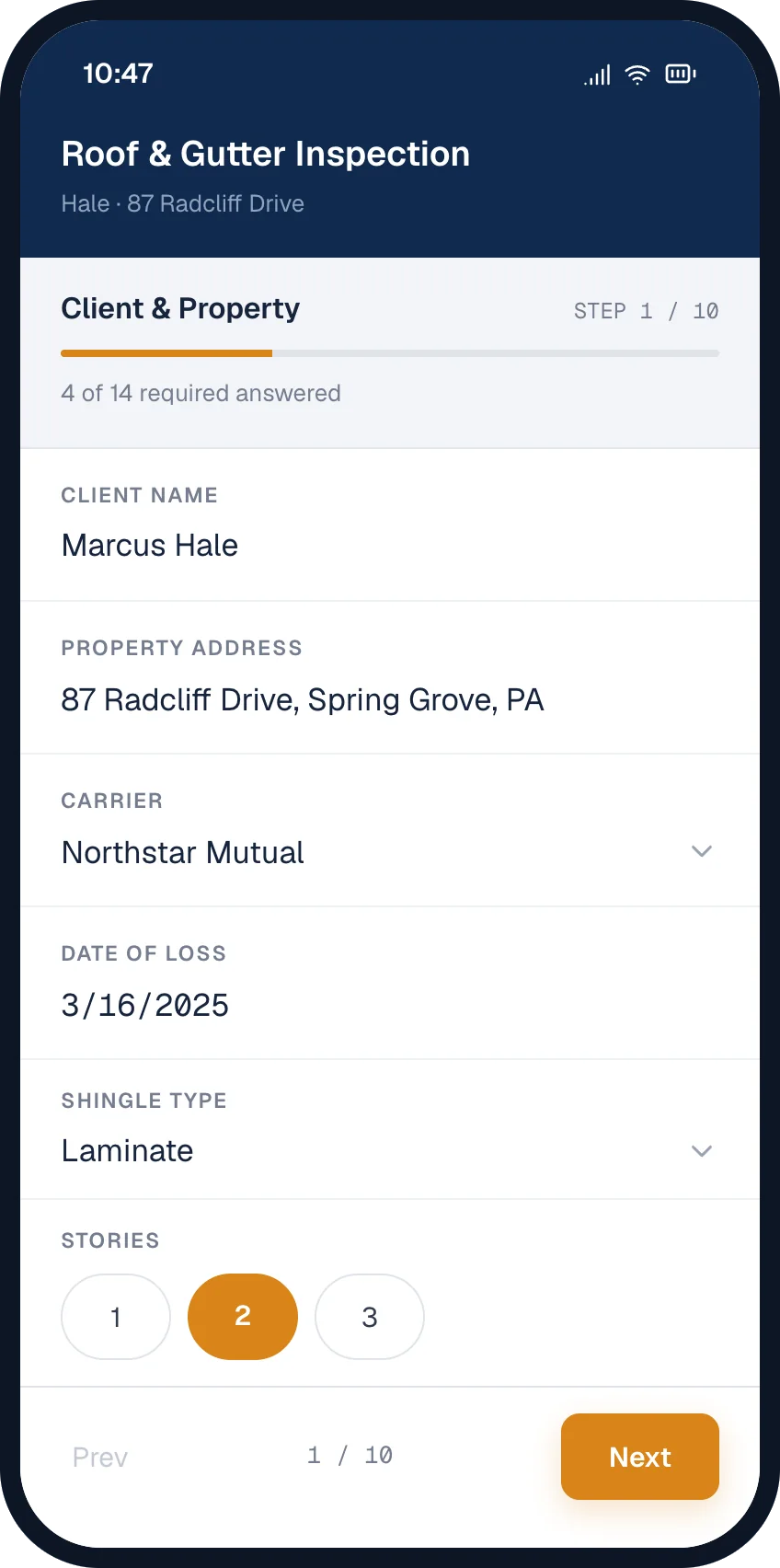
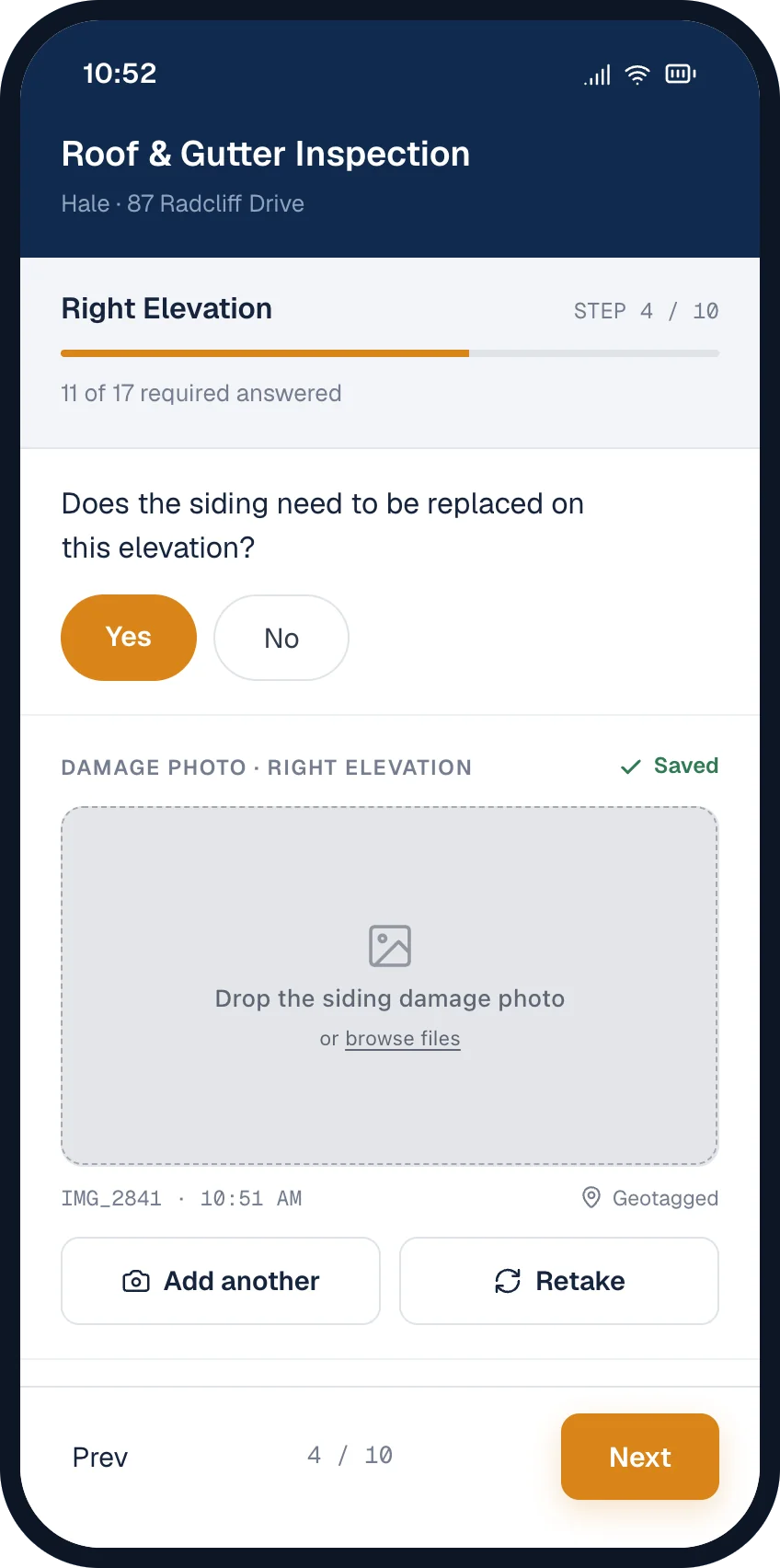
Step 1 of a guided roof inspection on a phone: client, property, carrier, date of loss, shingle type and storiesStep 4 of the same inspection: answering yes to siding replacement opens a required damage photo for the right elevation, captured geotagged and timestamped
Capability 03

Guided inspections

Standardized forms so every tech captures the evidence an estimate needs.

  • Build standardized forms so the same evidence comes back from every job, every tech
  • Smart routing adapts the walkthrough as answers come in and tells techs what to capture next
  • Photos, measurements, and notes captured against the areas they belong to
  • Evidence feeds straight into estimating and supplementing — no re-entry
Capability 04

PDF to ESX

Carriers send the PDF, not the ESX. Frontera turns it back into line items you can open, review, and edit in Xactimate.

  • Upload any PDF
  • Get an ESX file back
  • Review, edit, and build from there
A carrier's flat PDF estimate converted into ESX line items with Xactimate selectors and quantities

Explore Frontera’s Policy Field Guide

Deep dives on key policy provisions and endorsements that impact claim strategy.

Browse the Field Guide
Frequently asked

Common questions about estimating.

Frontera is AI estimating software that compares estimates, generates supplements, and builds complete estimates from scratch. Upload your documentation — carrier estimates, site photos, field notes, inspection reports, and measurements from your platform of choice — and Frontera analyzes it against building code requirements, policy coverage, and industry best practices to generate complete Xactimate-formatted line items with F9 notes.

Frontera’s claims estimating software supports roofing, siding, gutters, interior, drywall, painting, flooring, and more. If it’s in Xactimate, Frontera can scope it.

Yes. Frontera handles both residential and commercial property estimates and supplements.

Frontera is insurance estimating software designed to operate as a co-pilot alongside your existing tools. It can generate complete estimates independently, but it produces Xactimate-compatible output that can be started or finalized in your estimating platform of choice.

No. Frontera is restoration estimating software, not a supplement writing service. Frontera doesn’t insert itself into your claim or communicate with carriers on your behalf. It equips you with the evidence, line items, and justification you need to handle those conversations yourself — and win them.

Frontera’s AI estimating software is designed to be intuitive for anyone who works with estimates. Upload your documents, review the AI-generated output, make your edits, and export.

Frontera exports to PDF and ESX with complete Xactimate line items and F9 notes. You can also export to Excel and CSV for internal tracking and documentation.

Frontera offers flexible subscription packages based on usage. Whether you’re a smaller shop or a large firm, Frontera will find the right fit. Contact Frontera’s team to learn more.

An ESX file is Xactimate’s native estimate format. It carries the full line-item detail — quantities, pricing, and F9 notes — so the estimate can be opened and edited rather than only read. A PDF of an estimate is a picture of that data; an ESX file is the data itself. Carriers usually send only the PDF — Frontera converts it back into an ESX so you can open, review, and edit the estimate in Xactimate.

ESX is Xactimate’s format, so editing one normally means opening it in Xactimate or a compatible platform. Frontera reads and produces ESX files, and can export the same estimate as PDF, Excel, or CSV when the person you are sending it to doesn’t have a seat.

No. Frontera builds and exports estimates on its own, producing Xactimate-formatted line items with F9 notes. You would need a Xactimate seat only if you want to open the ESX file and finish the estimate inside Xactimate.

Ready to build better estimates and supplements?

See how Frontera’s AI estimating software helps you build complete, defensible estimates in minutes.